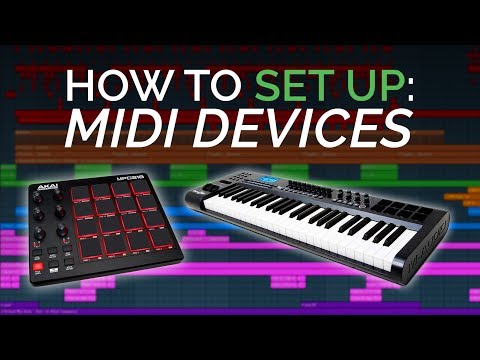
How To Set Up Your Midi Keyboard and Drumpad
3 capitulos
- Basic MIDI Controller SetupGetting StartedCheck if your MIDI controller requires drivers by searching the manufacturer's website, download and install if needed. Plug the controller into your computer using a USB cable with Type A and Type B connectors.Software Configuration• Open your DAW and navigate to MIDI settings (F10 in FL Studio) • Find your controller in the input box and enable it with the green light • Search for your specific controller model in the list or select generic controllerSound OutputMIDI controllers don't produce sound on their own; they control virtual instruments within your DAW software.VerificationOn the output tab, select your controller and enable send master sync. Press keys and faders on your keyboard; they should light up orange to confirm signal reception.
- Setting Up Multiple MIDI ControllersConnection & RecognitionPlug all controllers into your computer and enable both devices in the MIDI settings input section of your DAW.Assigning Instruments• Right-click on each instrument and select receive notes from • Choose the specific MIDI controller you want to control that instrument • For example: assign keyboard to piano and drum pad to drumsController LockingLock your drum machine to always receive from the drum pad, while leaving keyboards unlocked so you can switch between different virtual instruments.TroubleshootingIf setup issues occur, consult online forums and communities for help, or contact your MIDI controller manufacturer's tech support.
- Optimizing Faders, Dials & EncodersStock Plugins SetupRight-click on any parameter in FL Studio stock plugins or mixer, select link to controller, then move the fader or dial to create the connection.Third-Party Plugin Mapping• Move the parameter slightly, then navigate to tools menu • Select last tweaked option • Click link to controller to create the mappingSound ManipulationOnce mapped, use faders and dials to morph and change your sound in real-time during performance.Removing MappingsNavigate to browser, go to current projects remote control, find the link you want to remove, and click reset to delete it.