Ableton’s Library HACK That No One Told You About
4 chapters
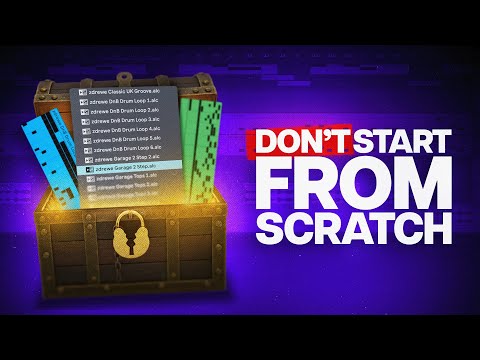
- Creating Your Own Custom LibraryPurposeAbleton's library feature helps you make more music and stay inspired by allowing quick switching between sounds, plugins, and rack presets without needing to build everything from scratch.Key Features• Fully adjustable drag and drop loops • Preview functionality to check sounds before using them • Ability to quickly switch between sounds and presets • Saves time when making music on deadlineGetting StartedTo export something to your library, highlight anything you want (like an ambient loop) and press Command+B to add it to your vote.Organization TipYou can consolidate samples and rename them before dragging into your library. This allows you to create texture fillers to start ideas faster.
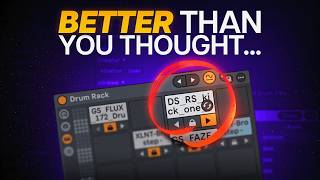
- Using Clips for Drum LoopsWhy Clips MatterClips are an underrated feature in Ableton that allow you to save complete drum grooves with all their settings intact, making them reusable across projects.Creating Clips• Expand drum rack to see chains using the expansion icon • Copy both chains and paste them into your main drum rack • Copy the MIDI pattern from the separate drum track and paste it into the main drum rack • Drag and drop the complete MIDI clip to your browser to save it as a clipMaking Clips UsableCreate a custom filters folder for drum loop clips and save it as a browser search. Tag new drum clips to this search so you can easily find and preview them.Preview SyncThe preview automatically syncs to your project tempo, allowing you to hear how the drum clip sounds at your current BPM before using it.
- Drag and Drop Workflow BenefitsCreative FlexibilityWhen stuck with an idea, you can drag and drop saved drum clips as separate MIDI files or new clips, instantly creating a drum rack with your saved sounds.Adding VariationUse similarity search to bring new life to existing drum loops and explore variations without starting from scratch.Preset Advantage• Saving sounds as clips instead of classic rack presets increases the likelihood you'll actually use them • Clips store both MIDI information and settings • Work with Ableton stock devices, plugins, and effect devicesKnown LimitationPreview sometimes doesn't read automation for certain clips, though the clips work completely fine when dragged and dropped into a project.
- Inspiration Through Sound CollectionSource MaterialYou can use sounds from unfinished projects in your library to inspire new ideas and prevent good material from sitting unused on your hard drive.Creative ExplorationFold clips can inspire you in different and more creative ways beyond their original purpose.Further LearningOther creators like Dangos have explored additional techniques for using clips creatively in music production.Related SkillsLearning to make top tier presets using only stock tools in Ableton complements this library workflow and maximizes your creative potential.