The MOST SLEPT ON Ableton Drum Rack Feature
4 chapitres
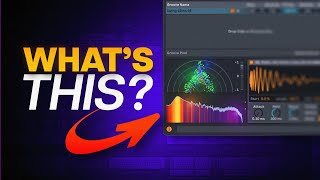
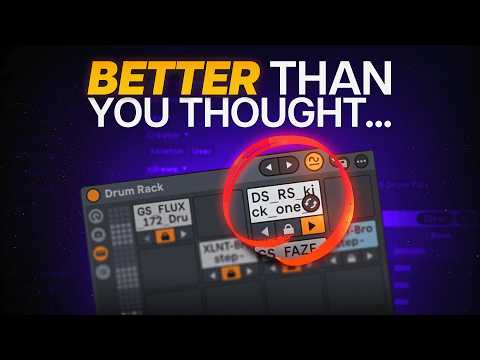
- Sound Similarity Search OverviewProblemAbleton's sound similarity search initially felt like a missed opportunity with inaccurate tags and repetitive results, leading most users to abandon it and manually browse their sample library.Solution IntroducedThe feature can now be used to choose the right sounds and transform any drum loop into your own creation with just a few clicks.Method OverviewThe approach involves grabbing a drum loop, slicing it to a new MIDI track, rearranging similar sounds, and cropping the samples used.Time ConsiderationThe original method requires significant time investment, which can discourage users from completing the full process.
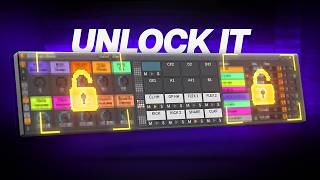
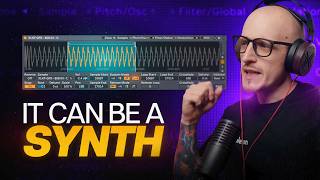
- Drum Loop Extraction Using SamplerSetup Process• Skip preset selection and go directly into Sampler zones • Choose a slicing option like 1/8 note for simple drum loops • Press okay to create sliced clipsSound SelectionAfter arranging the slices, identify which ones you're actually using—in this example, only four sounds are needed.Cropping Method• Go to zones section and highlight the first four slices using shift • Right-click and select crop sample • All cropped samples appear as separate sounds in the project folderOrganizationRight-click on cropped sounds to show in browser, then drag all sounds into an empty drum rack and copy the pattern.
- Finding Similar Sounds for Drum LoopsPurposeUse sound similarity search to find different sounds that fit the drum pattern you've created.Advantages• Create your own drum loops using sounds you already have • Gain new samples for your collection from discovered sounds • Speed up the creative process for writing melodies over drum loopsEthical ConsiderationWhile the method effectively produces new drum patterns, users should consider whether this approach aligns with their creative ethics.Practical ApplicationThis workflow can save significant time when developing drum ideas and variations.
- Practical Variations and Groove ApplicationCreating Variations• Duplicate drum sounds and place on other pads • Lock already-used sounds to focus on new additions • Add variations like hats, perks, or rim shots to the patternGroove EnhancementApply groove to the drum pattern to make it sound more professional. You can extract grooves from existing drum loops or use presets from the groove pool.Audio Clip ExtensionSound similarity search works for audio clips as well, allowing you to find similar drum fills and patterns to enhance your composition.Tool RecommendationUse Drum Sampler instead of Simpler for default settings, as it makes drums sound more groovy and dynamic.